

Car Rental Guides
How Car.al Bookings Work: Your Complete Guide to Renting a Car in Albania
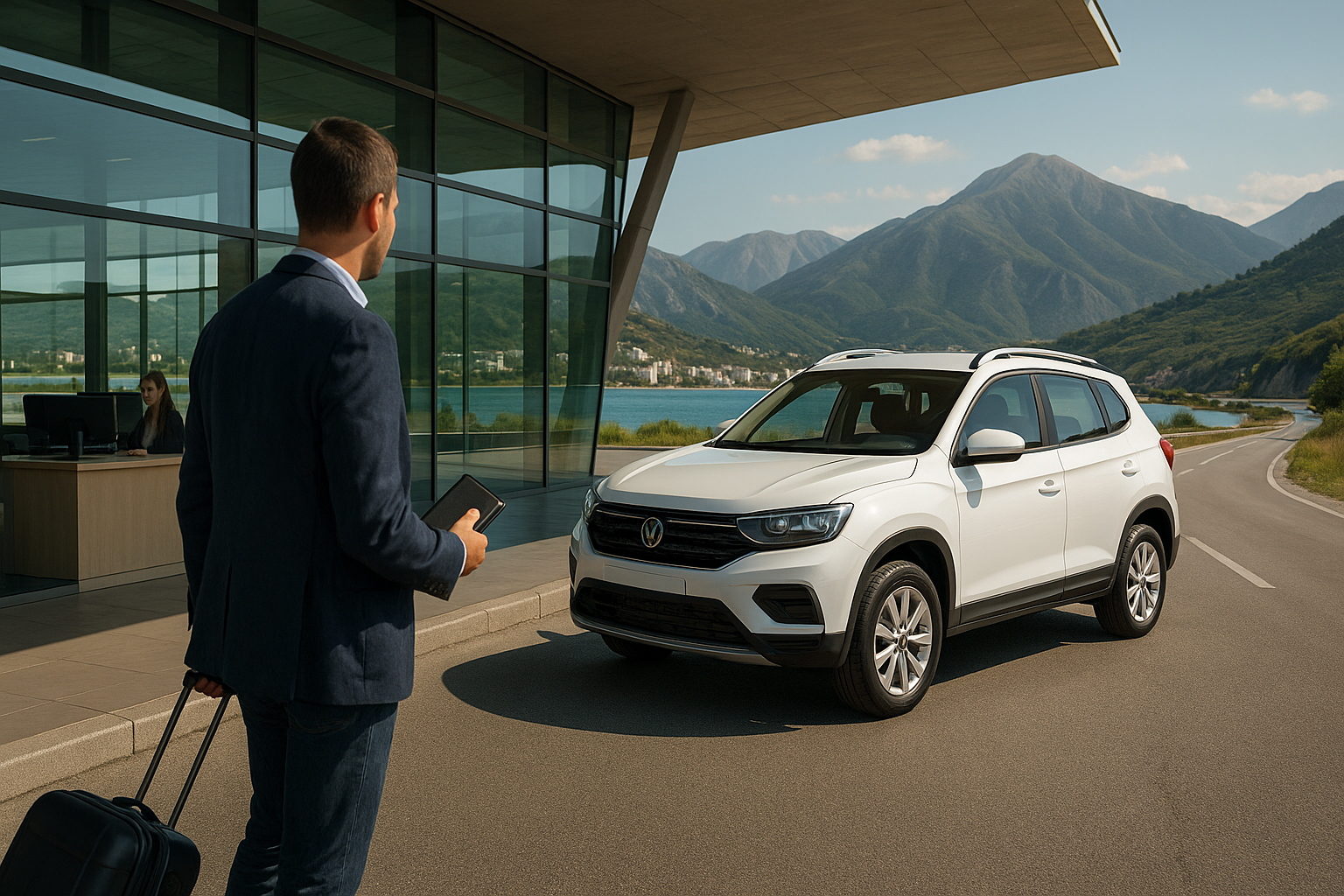
Planning to rent a car in Albania? Whether you're arriving at Tirana International Airport, visiting the capital, exploring the Albanian Riviera or planning a road trip through the country, Car.al helps you find and compare rental vehicles from local suppliers. This complete guide explains how the Car.al booking process works, from your first search to collecting the keys.
What Is Car.al?
Car.al is an online car rental marketplace that connects travellers with local vehicle rental suppliers across Albania.
Instead of visiting several rental company websites individually, travellers can search for available cars, compare offers and complete a booking through one platform.
Car.al is designed for international visitors, Albanian residents, business travellers and anyone who needs convenient transport during a stay in Albania.
Why Use a Car Rental Marketplace?
- Compare rental vehicles from different local suppliers.
- Search using your preferred pickup location and travel dates.
- Review vehicle categories and relevant rental features.
- Understand pricing and available extras before checkout.
- Choose from available pickup locations across Albania.
- Complete a reservation through an online booking process.
- Receive booking confirmation and collection information.
Car.al operates as a marketplace. Vehicle availability, rental conditions, protection options and collection arrangements depend on the individual supplier and selected offer.
How to Book a Rental Car on Car.al: Step by Step
Booking a rental car through Car.al starts with selecting your destination and rental dates. From there, you can compare available vehicles, review the rental conditions and proceed to checkout.
Step 1: Visit Car.al and Search for a Vehicle
Open www.car.al and locate the car rental search form.
Enter the following information:
- Pickup location: Choose where you want to collect your rental vehicle, such as Tirana or Tirana Airport.
- Pickup date: Select the day your rental begins.
- Pickup time: Enter your preferred collection time.
- Return date: Choose when you plan to return the car.
- Return time: Select your intended return time.
Once you've entered your details, click Search Cars to explore rental options for your selected period.
Accurate dates and times are important because availability and rental prices may vary according to the duration of your booking.
Step 2: Compare Available Rental Cars
The search results help you compare vehicles offered by local rental suppliers.
Rather than selecting the first car you see, review the details that matter for your journey:
- Vehicle category and example model.
- Manual or automatic transmission.
- Passenger and luggage capacity.
- Air conditioning and other listed features.
- Total rental cost for your chosen dates.
- Pickup location and collection arrangements.
- Insurance and protection information.
- Additional services and optional extras.
- Rental requirements and cancellation conditions.
Important: Some offers are based on a vehicle category rather than one guaranteed make and model. Where a listing says "or similar", the supplier may provide an equivalent vehicle within the booked category.
Step 3: Review the Rental Details
Select an offer to examine its description and booking conditions. Pay particular attention to the total price, permitted drivers, collection arrangements and any additional charges.
Check whether the offer includes the features you need. For example, if you require an automatic car, do not assume that every vehicle in a particular category has automatic transmission.
Also check whether the pickup or return location has additional conditions, especially for airport delivery, after-hours collection or collection away from a supplier's office.
Step 4: Choose Extras and Insurance Options
Depending on the vehicle and supplier, you may be able to select additional services during the booking process.
Examples of extras that may be offered include:
- Child or baby seats.
- Additional drivers.
- Optional insurance or protection upgrades.
- Cross-border travel permission.
- Other supplier-specific rental services.
Extras are not automatically included with every rental. Review the listed price and conditions of each option before adding it to your booking.
Step 5: Enter Your Booking and Driver Details
After selecting your rental car and any extras, continue to the booking form.
You'll be asked for information needed to arrange the reservation, including the main driver's details and relevant contact information.
Enter an email address that you check regularly, as booking confirmation and collection instructions are sent electronically.
Car.al supports guest checkout, so creating an account is not mandatory for completing a reservation.
Step 6: Review the Final Booking Summary
Before paying, carefully review the checkout summary.
Confirm the following:
- Selected vehicle category.
- Pickup and return dates.
- Pickup and return times.
- Collection location.
- Rental price and any added extras.
- Amount payable online.
- Any remaining amount payable at pickup.
- Applicable cancellation and rental terms.
If something looks incorrect, return to the relevant booking step and correct it before confirming your reservation.
Step 7: Complete Your Booking
Follow the payment instructions displayed during checkout to submit your reservation.
The payment arrangement depends on the selected rental offer. Some bookings may require full payment online, while others collect an online booking amount and leave a remaining balance payable at vehicle collection.
After your booking is successfully confirmed, Car.al sends a booking confirmation and voucher to your email address.
How to Choose the Right Rental Car in Albania
Choosing a vehicle depends on your destination, number of passengers, luggage and driving preferences.
Economy and Compact Cars
Economy cars are generally suitable for city travel, short journeys and travellers who prefer a smaller vehicle. They can be convenient for navigating busy streets and finding parking in urban areas.
Automatic Rental Cars
If you normally drive an automatic vehicle, check the transmission information before booking. Car.al listings can include both manual and automatic cars.
SUVs and Larger Vehicles
SUVs and larger cars may offer additional passenger space, luggage capacity and comfort for longer journeys.
However, renting an SUV does not automatically mean a vehicle is suitable for unpaved mountain roads. Always follow supplier restrictions and local road conditions.
Family Cars and Minivans
Families and groups should compare passenger capacity, boot space and child-seat availability.
Remember to account for luggage as well as passengers when choosing your rental category.
How Car Rental Prices Work on Car.al
Rental prices can vary depending on the supplier, vehicle category, rental period, pickup location and selected extras.
A daily starting price displayed on a listing is not necessarily the final cost of your booking.
What Can Affect the Final Price?
- Rental duration: The number of rental days.
- Season: Demand can change during the year.
- Vehicle type: Economy, automatic, SUV or minivan.
- Pickup location: Airport or alternative collection points.
- Additional extras: Optional services selected during checkout.
- Protection: Any chargeable insurance upgrades.
- Supplier conditions: Fees and restrictions associated with the offer.
Example: Understanding a Rental Quote
Imagine you select a rental car for five days at an illustrative rate of €30 per day.
- Five rental days: €150.
- Illustrative optional extra: €15.
- Example combined amount: €165.
This is only an example, not a live Car.al quotation. Your actual total and payment breakdown are shown during the booking process.
Always compare the full rental cost rather than judging an offer solely by its advertised daily starting price.
How Payments and Deposits Work
One of the most important steps when booking a rental car is understanding when and how payment is collected.
Online Payment
Car.al provides an online checkout process for booking available rental vehicles.
Depending on the selected offer, you may pay the full rental amount online or pay only the required online booking amount.
Paying the Remaining Balance at Pickup
Some rentals allow the remaining balance to be paid directly to the supplier when you collect your vehicle.
The checkout summary indicates what is due online and what remains payable at pickup, including the relevant payment method.
Is a Security Deposit Required?
A security deposit is different from the amount paid to reserve a vehicle.
Deposit requirements may vary by rental supplier, vehicle category and selected protection package.
Before booking, check the listing and rental terms to determine whether a security deposit is required, how it is collected and when it may be released.
Do not assume that every car on the marketplace comes with the same deposit or credit-card policy.
Understanding Rental Car Insurance in Albania
Insurance is an important consideration when renting a vehicle in another country.
Car.al allows customers to review the protection options shown for an eligible vehicle during the booking process.
However, the precise coverage and conditions can differ between individual rental offers.
What Should You Check?
- What protection is included in the rental price?
- Is there an insurance excess or deductible?
- Are tyres, glass and underbody damage covered?
- Does protection include theft?
- Are additional insurance options available?
- What exclusions apply?
- Are there restrictions on permitted roads or driving areas?
A listing displaying full coverage does not remove the need to read the insurance terms. Coverage can be subject to exclusions and driver obligations.
Review the supplier's applicable insurance policy before completing your booking.
What Happens After You Book?
After successful booking confirmation, Car.al sends your reservation confirmation and booking voucher to the email address provided during checkout.
Keep this information accessible on your phone. It helps you identify your reservation when collecting the rental vehicle.
Check Your Confirmation Details
- Reservation details and booking reference.
- Selected rental category.
- Pickup and return schedule.
- Supplier or collection information provided.
- Payment information.
- Relevant rental conditions.
If you do not see your confirmation email, check your spam or junk folder before contacting support.
Collecting Your Rental Car in Albania
On the day of collection, follow the pickup instructions included in your confirmation and voucher.
Car Rental at Tirana International Airport
Tirana International Airport is a convenient arrival point for visitors planning to explore Albania by car.
When selecting an airport rental, check the exact collection location and whether the supplier operates from a rental desk, an agreed meeting point or another designated collection area.
Do not assume every supplier uses the same pickup procedure.
What Documents Should You Bring?
The main driver should be prepared to present:
- A valid driving licence suitable for the vehicle.
- A passport or accepted identification document.
- The Car.al booking voucher or confirmation.
- Any payment card or deposit method required by the supplier.
- Additional documents specified in the rental conditions.
Depending on your country of licence issuance and supplier requirements, an International Driving Permit may also be necessary. Confirm the applicable documentation requirements before travelling.
Inspect the Vehicle Before Driving
Before leaving the collection point:
- Check the exterior for existing damage.
- Take photographs of visible scratches or dents.
- Check the fuel level.
- Confirm the applicable fuel return policy.
- Review the vehicle's condition with the supplier.
- Make sure any existing damage is recorded.
- Confirm the return location and return time.
This simple inspection helps prevent misunderstandings when the rental ends.
Returning Your Rental Car
Return the vehicle to the agreed location by the scheduled return time.
Before handing over the keys, check that you've removed all personal belongings and complied with the agreed fuel policy.
Return Checklist
- Arrive at the agreed return location.
- Respect the scheduled return time.
- Follow the supplier's fuel policy.
- Remove luggage and personal belongings.
- Complete any required vehicle inspection.
- Return the keys according to the supplier's instructions.
Late returns, damage, fuel differences or other contractual matters may result in additional charges under the applicable rental terms.
Can You Cancel or Change a Car.al Booking?
Cancellation and modification conditions depend on the selected vehicle, supplier and rental rate.
Some listings may offer free cancellation before a stated deadline, while others apply partial refunds or non-refundable conditions.
Before Cancelling
- Read the cancellation policy attached to your booking.
- Check the cancellation deadline.
- Verify whether any refund is available.
- Use the booking system or the specified support channel.
- Keep confirmation of your cancellation request.
If you need to change your pickup time, travel dates or vehicle requirements, contact the relevant support channel as early as possible.
Changes may depend on availability and could affect the final rental price.
Tips for Booking a Rental Car in Albania
Book Early for Popular Travel Dates
Travellers visiting during busy holiday periods may benefit from searching early, especially when they need an automatic car, SUV or larger family vehicle.
Compare Total Prices
Check the complete rental cost, included services and supplier conditions rather than focusing only on the lowest daily rate.
Choose a Practical Pickup Location
If you're flying into Albania, check airport collection options and compare them with rental locations in Tirana.
Allow Enough Time for Your Return
When returning a car before a flight, allow enough time for refuelling, vehicle inspection, returning the keys and airport check-in.
Plan Mountain Journeys Carefully
Albania offers beautiful mountain scenery, including destinations such as Theth. However, weather, road surfaces and access conditions can vary considerably.
Check current road conditions and any supplier restrictions before driving to remote destinations, particularly during winter.
Check Cross-Border Restrictions
If your trip includes driving outside Albania, confirm whether the supplier permits cross-border travel and whether additional documentation, fees or insurance is required.
Frequently Asked Questions About Car.al Bookings
How do I book a rental car on Car.al?
Visit Car.al, choose your pickup location and dates, compare available vehicles, select an offer, enter your driver details and complete checkout. After confirmation, your booking voucher is sent by email.
Can I book a car at Tirana Airport?
Yes. Car.al supports searches for rental vehicles with Tirana Airport pickup, subject to the availability and collection arrangements of individual suppliers.
Do I need a Car.al account to make a booking?
No. Car.al supports guest checkout, allowing you to make a reservation without creating an account.
Do I have to pay the full rental price online?
Not necessarily. Payment arrangements depend on the rental offer. Some bookings are paid in full online, while others require an online booking amount and a remaining balance at pickup.
Does every rental require a security deposit?
Deposit requirements vary by supplier and rental conditions. Check the selected offer before confirming your booking.
Can I rent an automatic car in Albania?
Automatic rental cars may be available through Car.al. Review the vehicle's transmission type and availability for your chosen dates.
Is insurance included in my car rental?
Coverage depends on the selected rental offer. Check the included protection, deductible, exclusions and any optional upgrades.
Will I receive the exact car shown in the listing?
Not always. Some listings represent a vehicle category, and the supplier may provide an equivalent vehicle rather than the example model.
What if my flight arrives late?
Contact the rental supplier or relevant support channel as soon as possible. Late-arrival arrangements depend on the supplier and cannot be assumed.
Can I cancel my booking?
Cancellation options depend on the terms attached to your specific rental. Review the cancellation policy before making a reservation.
Can I rent a car in winter?
You can search Car.al for vehicles during winter, subject to supplier availability. For mountain travel, check weather conditions, road access and whether your chosen vehicle is suitable.
Can I drive my rental car outside Albania?
Cross-border travel depends on supplier approval and the applicable rental conditions. Always request permission before leaving Albania.
Why Book Your Next Albania Rental Car Through Car.al?
Exploring Albania by rental car gives you the flexibility to visit cities, coastal destinations and countryside locations at your own pace.
Car.al brings together rental offers from local suppliers, helping travellers compare available vehicles, prices and booking conditions in one place.
Whether you're searching for car hire at Tirana Airport, a compact vehicle for a city break or a larger car for a family road trip, the booking process starts with your preferred location and travel dates.
Ready to Book Your Rental Car in Albania?
Find available vehicles, compare local rental offers and choose the right car for your next trip.
Search Rental Cars in Albania →
Want a shorter overview first? See the Car.al booking guide .
Questions fréquentes
Who do I meet at pickup?
The supplier named on your voucher. Bring the same ID and licence used at checkout.
Where do I cancel?
Follow the cancellation terms shown before payment, then contact support if you need help.